Wireless Sensor TX2
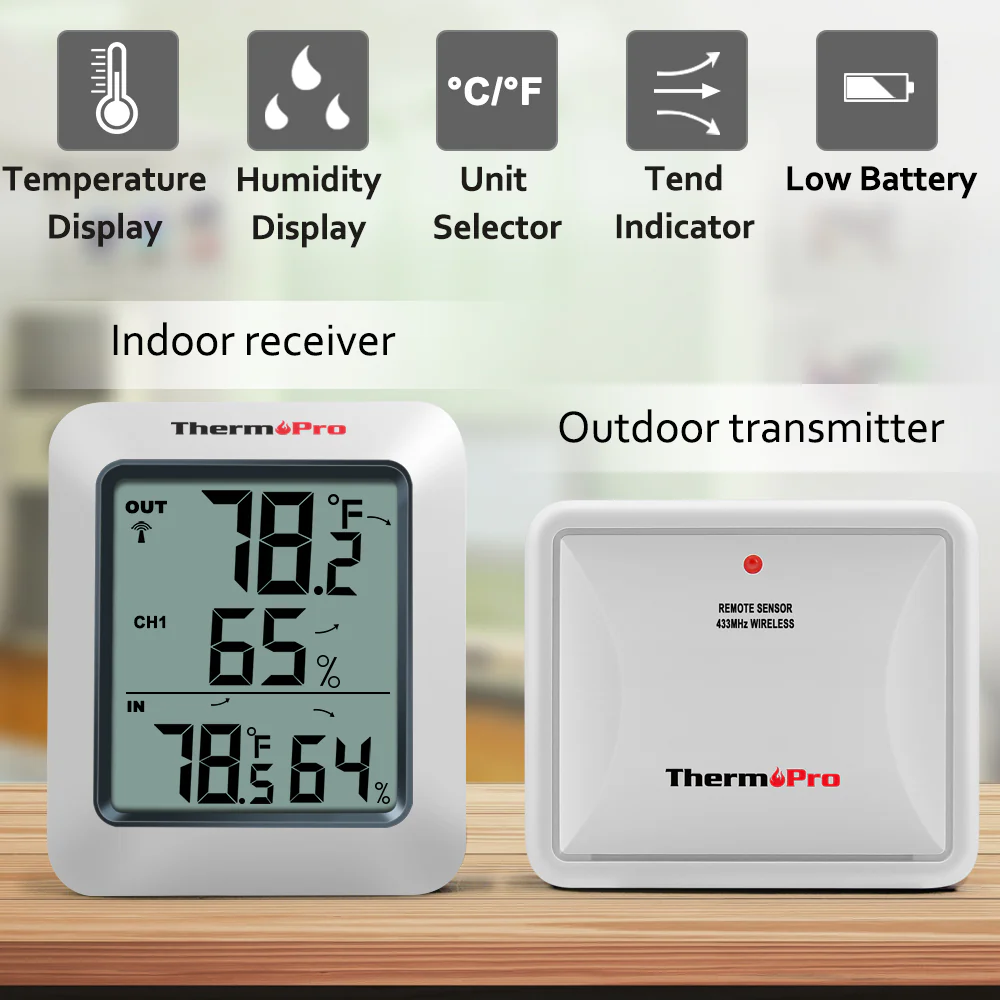
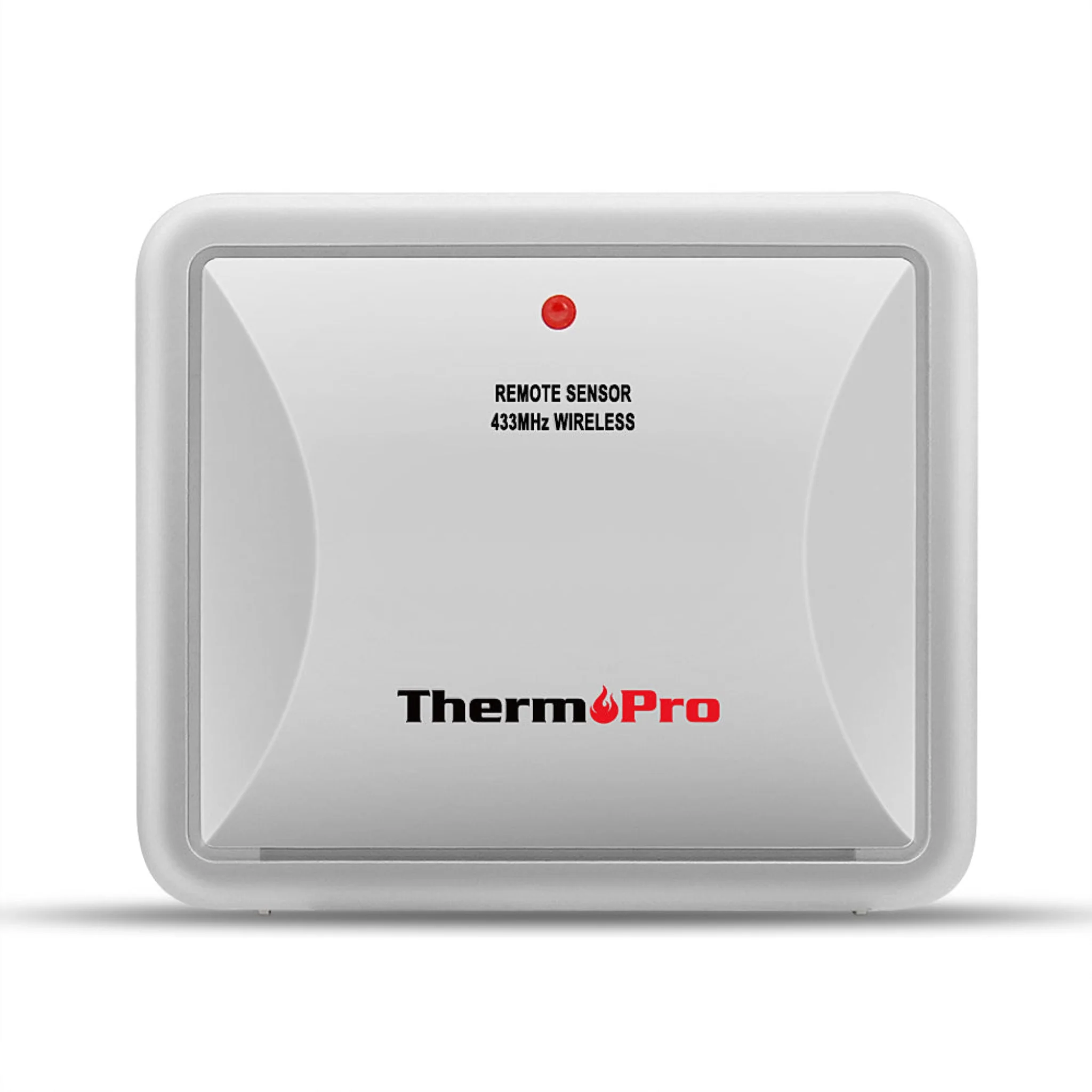
Rainproof transmitter for ThermoPro models: TP60S & TP65. Can NOT be used alone.
Warning: Do not place in direct sunlight as it can affect temperature readings. The remote sensor must be always placed upwards so that rain won't get inside the sensor through the vent holes on the bottom of the sensor which functions to let the remote sensor detect the environmental temperature and humidity more precisely and quickly.
How to Sync
NOTE: The sensor's initial channel is channel ONE, when connecting, please ensure to slide button on the back to set Channel 1, 2 or 3
How to Synchronize Remote Sensors
- Position the remote sensor near the base station
- Install batteries into transmitter and receiver
- The RF signal icon (located on the upper left of the base station display) will flash
- Wait for a moment or press TX button in the outdoor transmitter
- The remote sensor temperature/humidity will appear Auto-Off - 90 seconds
Specifications
Mountable: Yes
Power: (2) AAA batteries - included
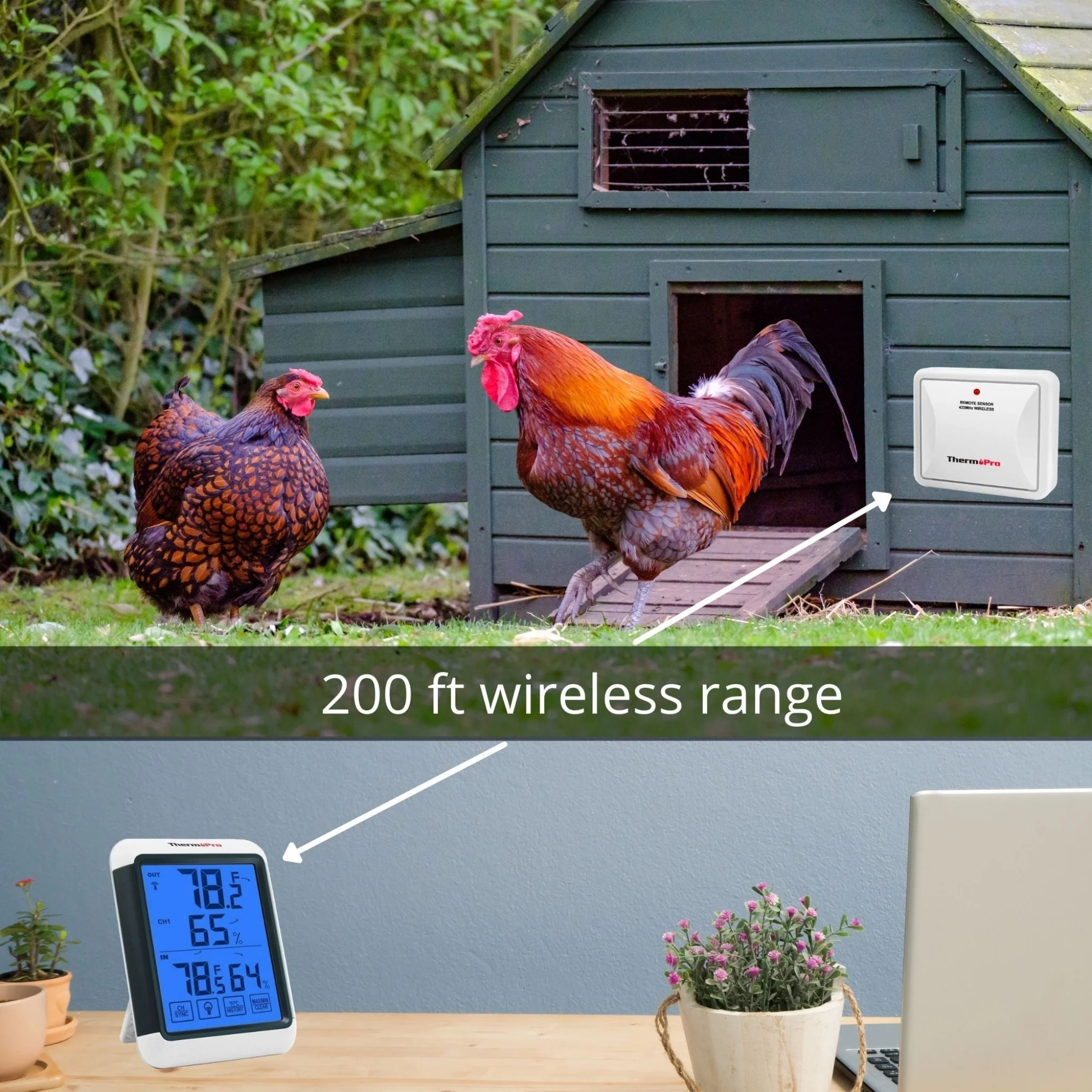
Transmission Range: Up to 200 ft. (range maybe shorter based on interference present)
Frequency: 433 Mhz
Refresh Rate: 50 Seconds
Temperature:
- Accuracy: ±2°F
- Range: -4°F ~ 158°F (-20°C ~ 70°C)
Humidity:
- Accuracy: ±2~3%RH
- Range: 10% ~ 99%
Compatible With:
Includes:
- Remote transmitter (1)
- AAA Battery (2)
Warranty
ThermoPro offers a 1 year warranty on all its products! Register your product online here after purchase to receive your extended 3 Year warranty and ThermoPro US Based Customer Services. Have a questions? Contact ThermoPro customer support for further assistance.
Rainproof transmitter for ThermoPro models: TP60S & TP65. Can NOT be used alone.
Warning: Do not place in direct sunlight as it can affect temperature readings. The remote sensor must be always placed upwards so that rain won't get inside the sensor through the vent holes on the bottom of the sensor which functions to let the remote sensor detect the environmental temperature and humidity more precisely and quickly.
How to Sync
NOTE: The sensor's initial channel is channel ONE, when connecting, please ensure to slide button on the back to set Channel 1, 2 or 3
How to Synchronize Remote Sensors
- Position the remote sensor near the base station
- Install batteries into transmitter and receiver
- The RF signal icon (located on the upper left of the base station display) will flash
- Wait for a moment or press TX button in the outdoor transmitter
- The remote sensor temperature/humidity will appear Auto-Off - 90 seconds
Specifications
Mountable: Yes
Power: (2) AAA batteries - included
Transmission Range: Up to 200 ft. (range maybe shorter based on interference present)
Frequency: 433 Mhz
Refresh Rate: 50 Seconds
Temperature:
- Accuracy: ±2°F
- Range: -4°F ~ 158°F (-20°C ~ 70°C)
Humidity:
- Accuracy: ±2~3%RH
- Range: 10% ~ 99%
Compatible With:
Includes:
- Remote transmitter (1)
- AAA Battery (2)
Warranty
ThermoPro offers a 1 year warranty on all its products! Register your product online here after purchase to receive your extended 3 Year warranty and ThermoPro US Based Customer Services. Have a questions? Contact ThermoPro customer support for further assistance.
Original: $14.99
-70%$14.99
$4.50Description
Rainproof transmitter for ThermoPro models: TP60S & TP65. Can NOT be used alone.
Warning: Do not place in direct sunlight as it can affect temperature readings. The remote sensor must be always placed upwards so that rain won't get inside the sensor through the vent holes on the bottom of the sensor which functions to let the remote sensor detect the environmental temperature and humidity more precisely and quickly.
How to Sync
NOTE: The sensor's initial channel is channel ONE, when connecting, please ensure to slide button on the back to set Channel 1, 2 or 3
How to Synchronize Remote Sensors
- Position the remote sensor near the base station
- Install batteries into transmitter and receiver
- The RF signal icon (located on the upper left of the base station display) will flash
- Wait for a moment or press TX button in the outdoor transmitter
- The remote sensor temperature/humidity will appear Auto-Off - 90 seconds
Specifications
Mountable: Yes
Power: (2) AAA batteries - included
Transmission Range: Up to 200 ft. (range maybe shorter based on interference present)
Frequency: 433 Mhz
Refresh Rate: 50 Seconds
Temperature:
- Accuracy: ±2°F
- Range: -4°F ~ 158°F (-20°C ~ 70°C)
Humidity:
- Accuracy: ±2~3%RH
- Range: 10% ~ 99%
Compatible With:
Includes:
- Remote transmitter (1)
- AAA Battery (2)
Warranty
ThermoPro offers a 1 year warranty on all its products! Register your product online here after purchase to receive your extended 3 Year warranty and ThermoPro US Based Customer Services. Have a questions? Contact ThermoPro customer support for further assistance.